98 short product films
Less imagining. More seeing.
See how the work comes together. A field added, a case handed on, a recheck found. Short demonstrations of Streamcell, one useful detail at a time.
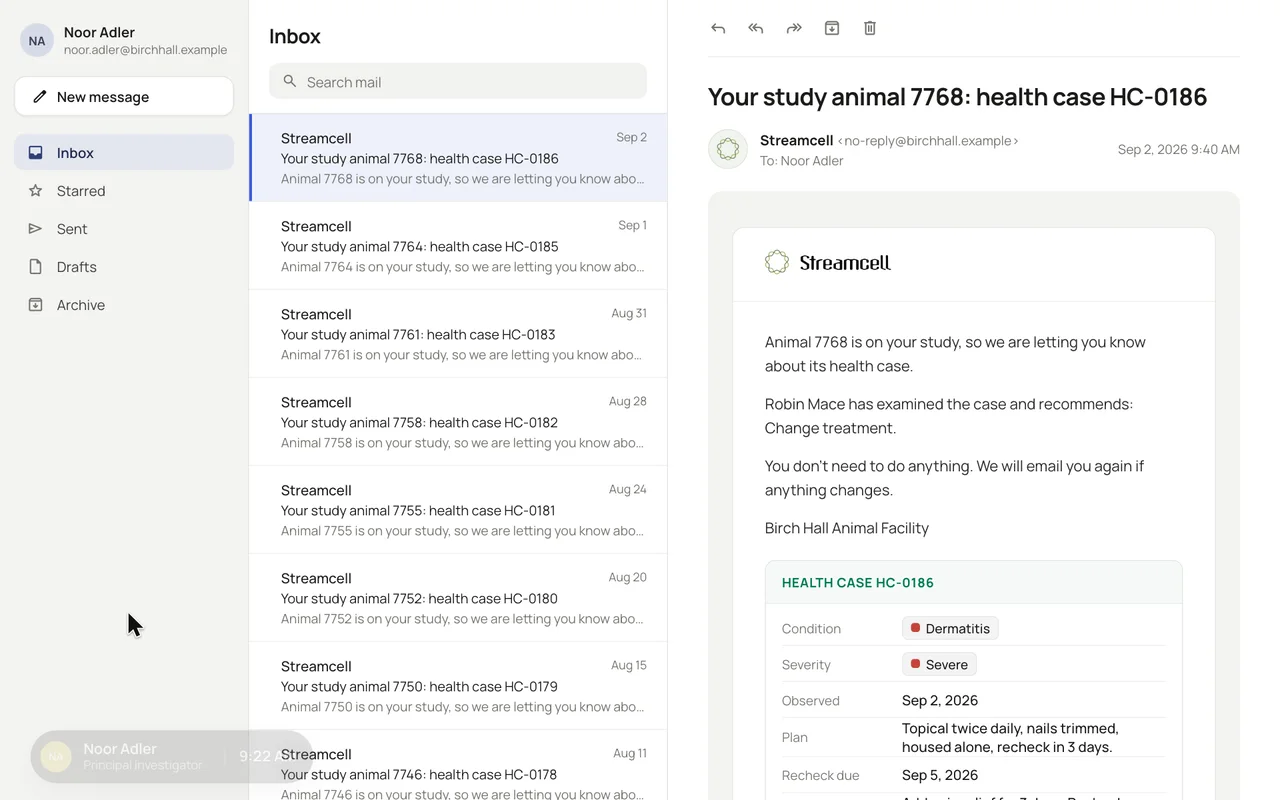
A closer look / The product in practice
What would you like
to see working?
Find a task, follow a handoff, or explore what your team can build. Every clip has a written walkthrough. All records and people shown are illustrative.
 0:10
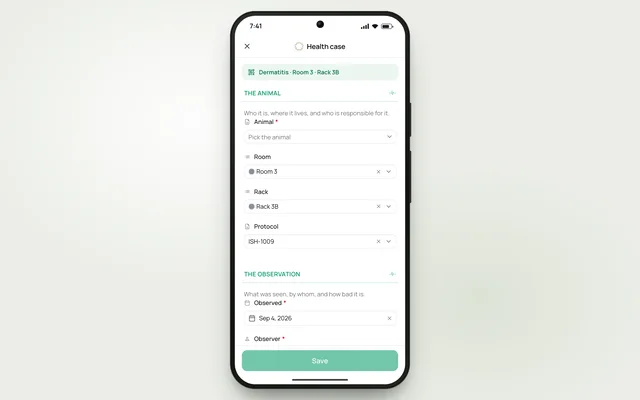
0:10Open a health case from a rack code
Follow a rack-code scan into a health case with room, rack and protocol details already filled in.
Watch the clip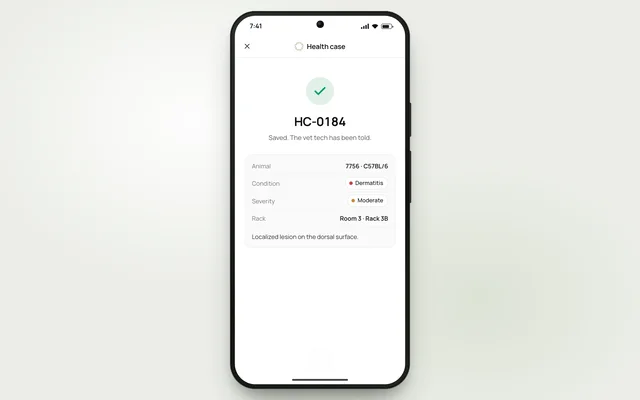 0:14
0:14Record an observation at the cage
Watch a technician select an animal, record severity and save a health case in a phone-sized web form.
Watch the clip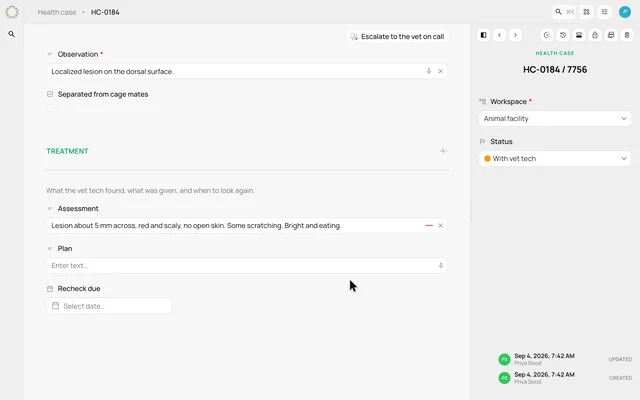 0:13
0:13Dictate an assessment into a field
See an observation appear in the assessment field as the technician uses the microphone control.
Watch the clip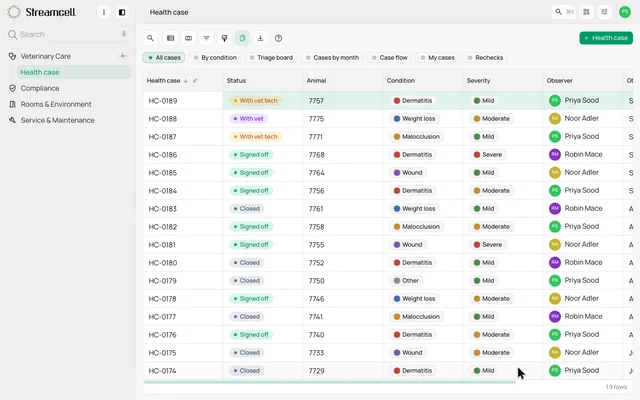 0:14
0:14Create a case without leaving the list
Open a health case over the case list, fill in the observation and see the saved record appear in the queue.
Watch the clip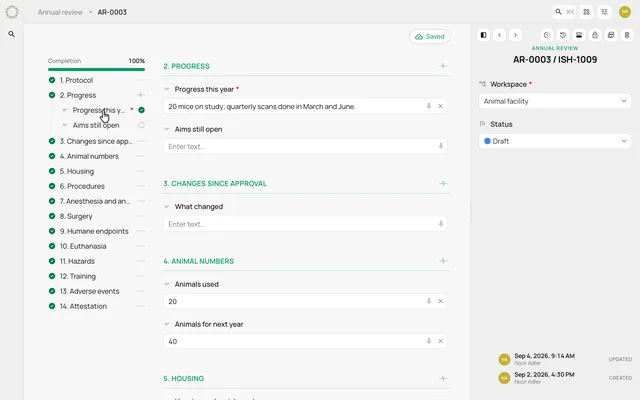 0:14
0:14Keep your place in a long protocol form
Preview a long annual-review form with section progress, a save indicator and navigation between distant sections.
Watch the clip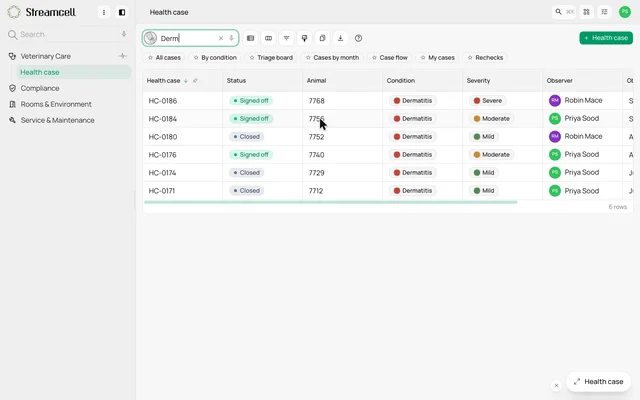 0:10
0:10Set a draft aside and return to it
Preview a half-filled health case being minimized while its author checks another record, then restored with its entries intact.
Watch the clip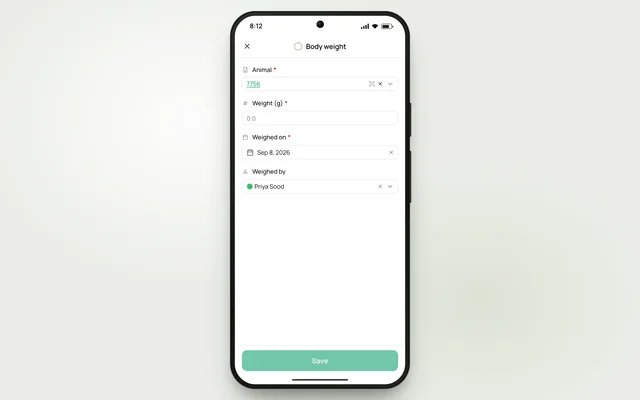 0:10
0:10Scan a barcode to link a record
Preview a camera scan inside a linked-record field, using a barcode to identify the record to attach.
Watch the clip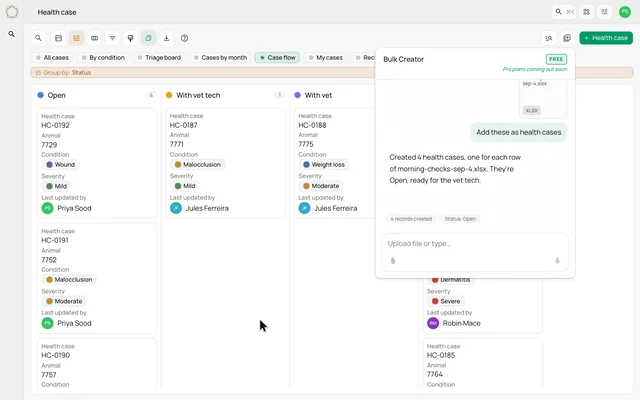 0:12
0:12Create records from a spreadsheet
See the Bulk Creator turn rows from a file into records for the facility to review.
Watch the clip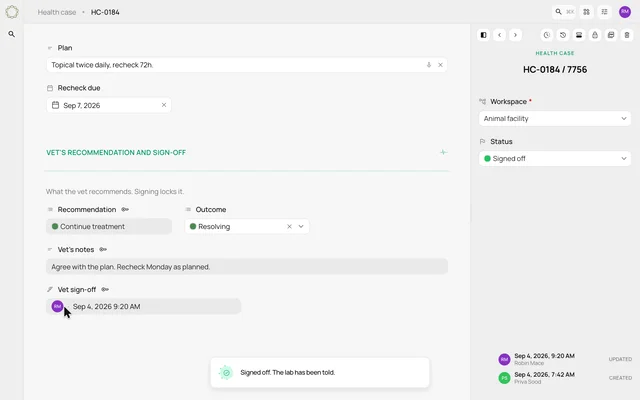 0:10
0:10Sign a recommendation and lock its fields
Watch a vet sign a health case, with the recommendation fields becoming read-only and the case moving to Signed off.
Watch the clip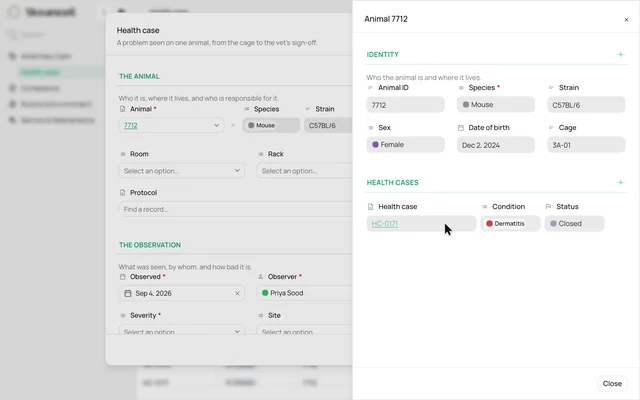 0:13
0:13Link an animal and bring its details with it
Select an animal on a health case, see its strain and cage inline, and open its related record without losing the form.
Watch the clip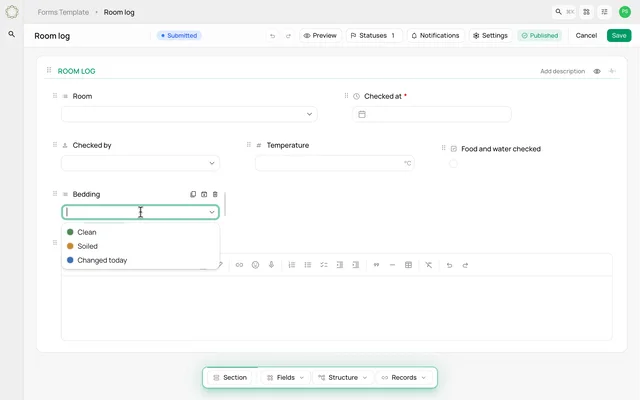 0:14
0:14Choose the fields your room log needs
Build a room log with dates, people, temperature, checkboxes, dropdowns and notes from the form palette.
Watch the clip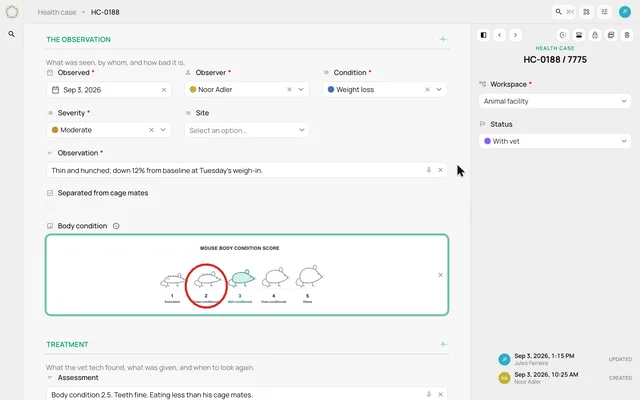 0:14
0:14Put a reference chart inside a form
Add a body-condition chart to a form and see a technician mark the chart on an animal's record.
Watch the clip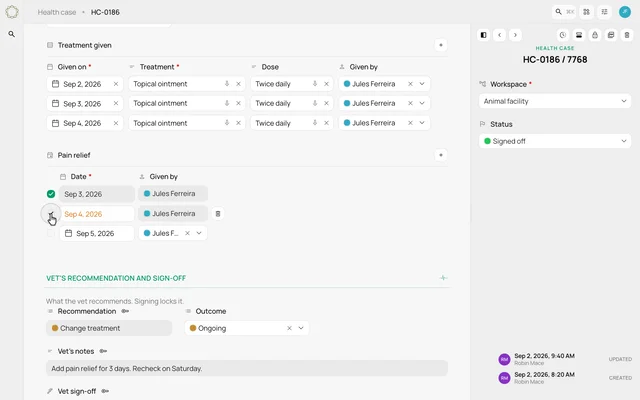 0:10
0:10Keep treatment rows and tasks together
Add a treatment entry to a table inside a health case, then tick off a dated task in the same section.
Watch the clip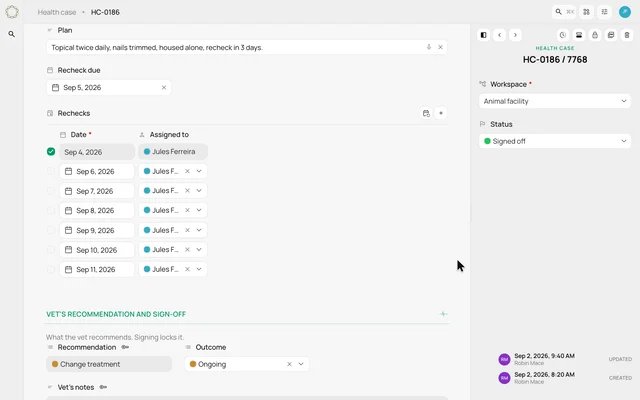 0:12
0:12Plan a series of rechecks
Preview a recurring task series and the choice to change one occurrence, upcoming tasks or the whole series.
Watch the clip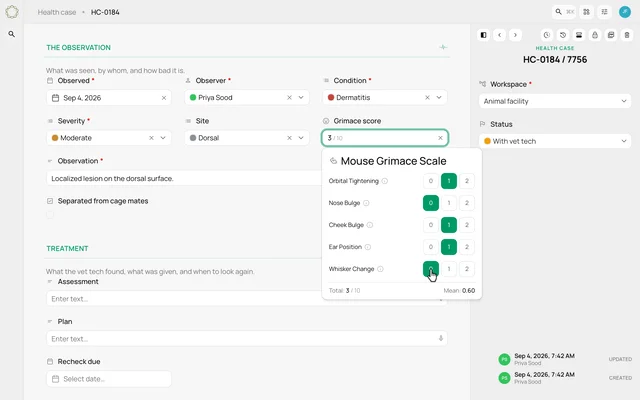 0:11
0:11Record a grimace score in the case
Preview a mouse grimace field with facial-unit selections, a running total and a mean score.
Watch the clip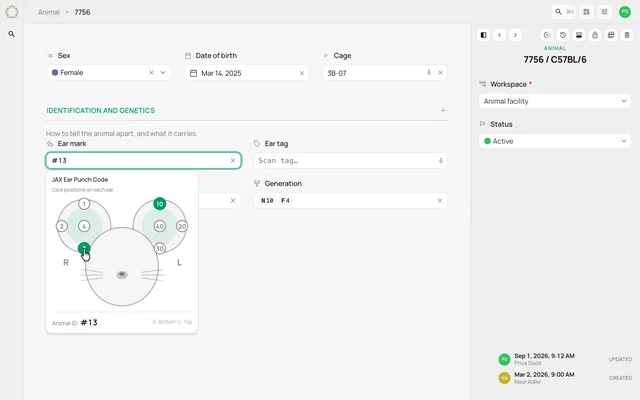 0:11
0:11Record ear marks and an ear tag
Preview an animal-identification field with an ear-punch diagram, a calculated code and a separate tag entry.
Watch the clip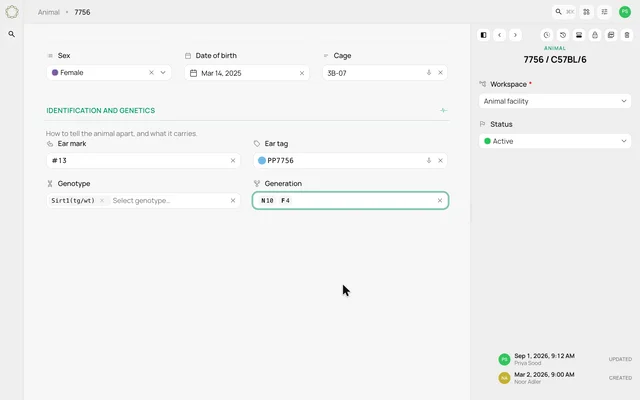 0:14
0:14Keep genotype and generation notation together
Preview gene and allele selections followed by a breeding-generation entry on an animal record.
Watch the clip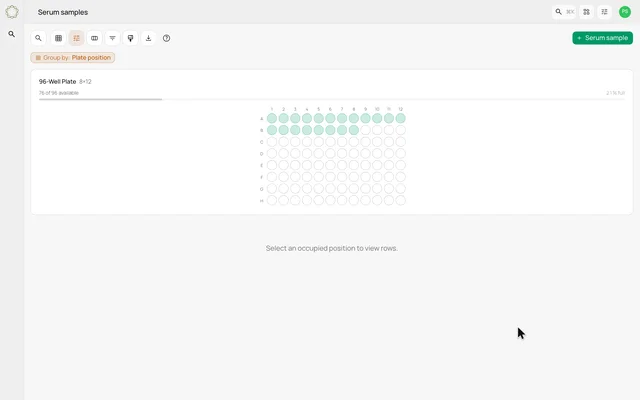 0:11
0:11Place a sample on an occupancy map
Preview a serum sample assigned to a well on a plate, with occupied positions and remaining capacity shown together.
Watch the clip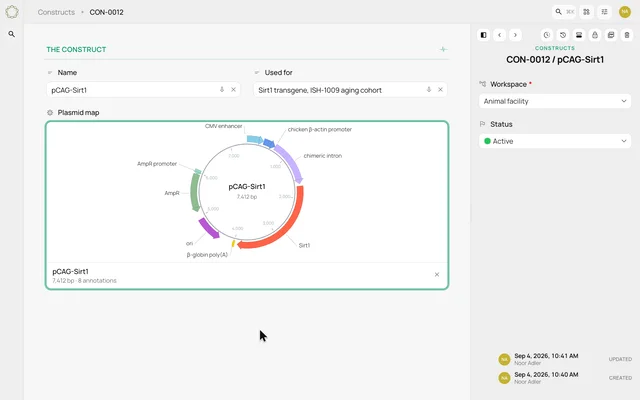 0:10
0:10Keep a plasmid map with its record
Preview a GenBank import becoming an annotated circular plasmid map inside a construct record.
Watch the clip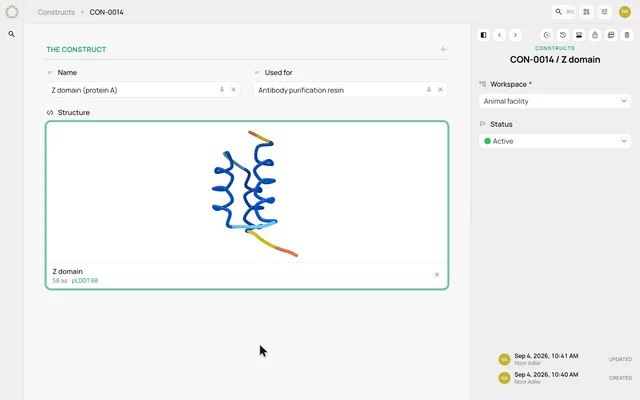 0:14
0:14Preview a protein structure field
See a sequence entered into a protein field and an illustrative three-dimensional structure displayed beside the record.
Watch the clip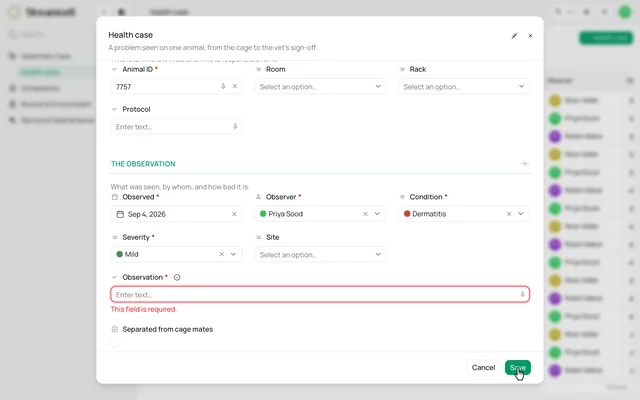 0:10
0:10Guide an entry with help and required fields
See contextual help on an observation field and a required-field message when the case is saved without it.
Watch the clip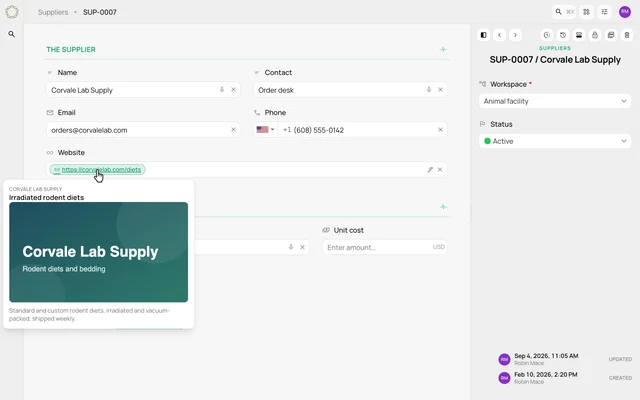 0:12
0:12Keep supplier contact details in one record
Preview phone formatting, a website preview and a currency field on an illustrative supplier record.
Watch the clip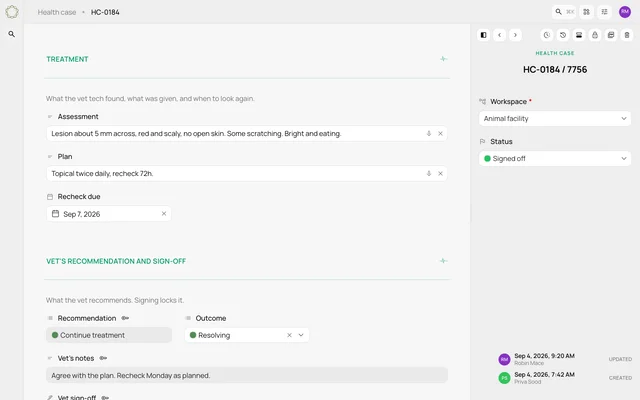 0:14
0:14Follow one case from observation to sign-off
Read a connected health case from the technician's report through the assessment, treatment and vet's signed recommendation.
Watch the clip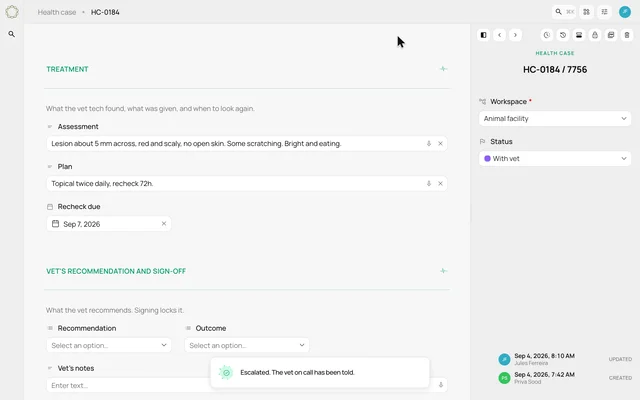 0:09
0:09Escalate a case from its record
Press a workflow button on a health case and see its status change, the vet's section open and the handoff confirmed.
Watch the clip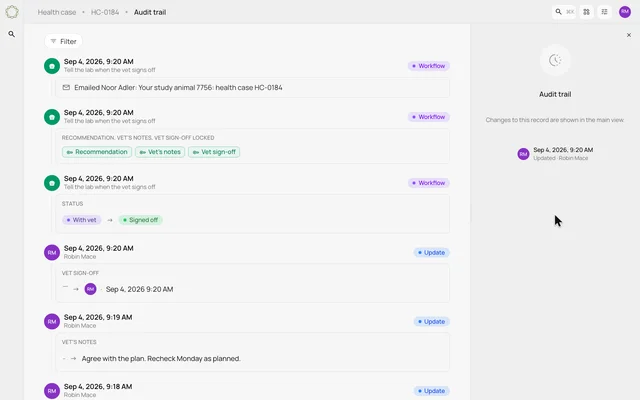 0:12
0:12Read a case's audit trail
Open the audit trail and follow field changes, status moves and workflow activity back to the creation of the case.
Watch the clip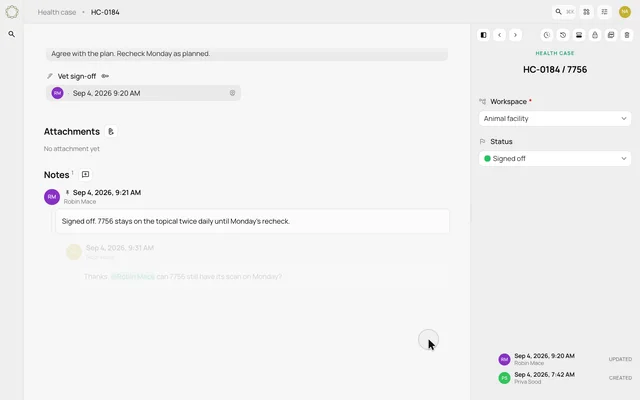 0:12
0:12Discuss a case with notes and mentions
Pin an existing note, reply beneath it and mention a colleague within the health case discussion.
Watch the clip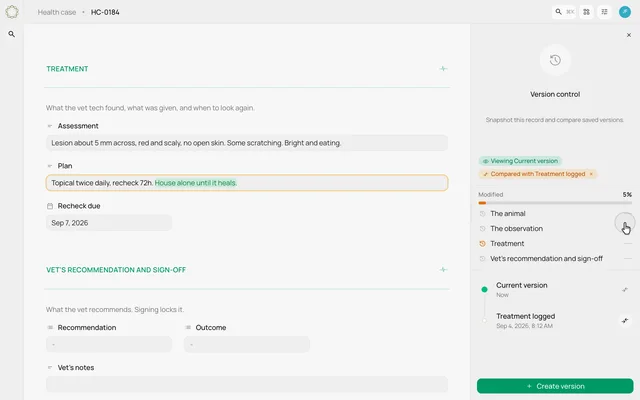 0:12
0:12Save a version and compare what changed
Create a named version of a health case, update the plan and compare the current record with the saved snapshot.
Watch the clip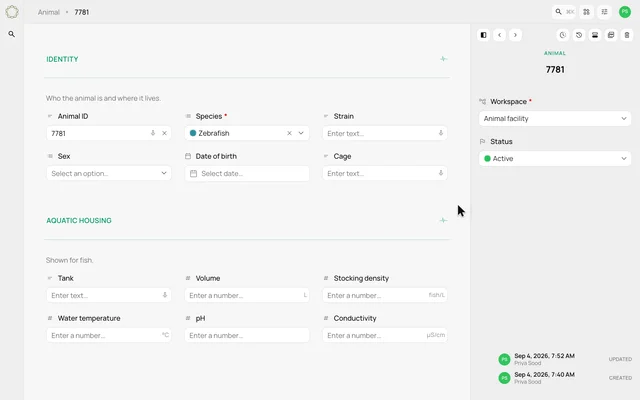 0:11
0:11Show the care fields that fit the species
Change an animal's species and watch the form switch between aquatic-housing and rodent-care sections.
Watch the clip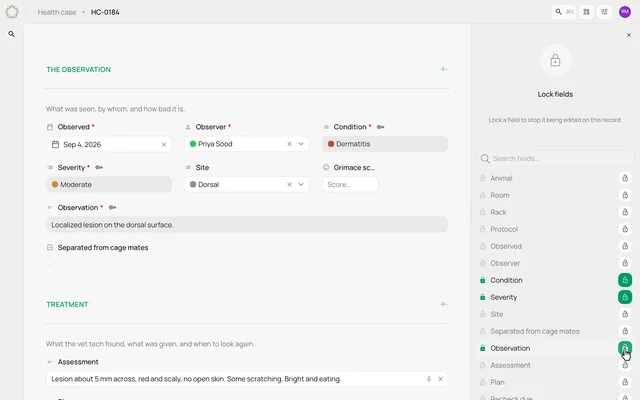 0:10
0:10Make selected record fields read-only
Open the field-locking panel and lock the observation, condition and severity on a health case.
Watch the clip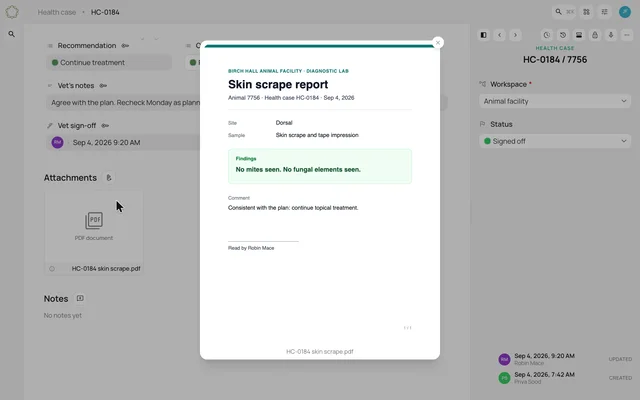 0:11
0:11Attach a report to a health case
Drop a PDF onto a health case and open its preview from the attachment card.
Watch the clip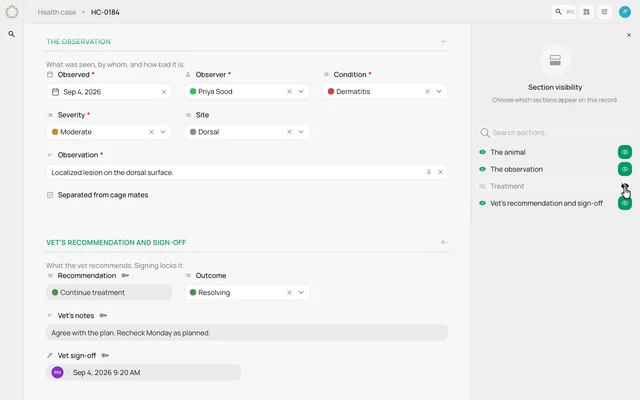 0:10
0:10Choose which sections appear on a record
Use section visibility controls to hide a treatment section and bring it back on the same health case.
Watch the clip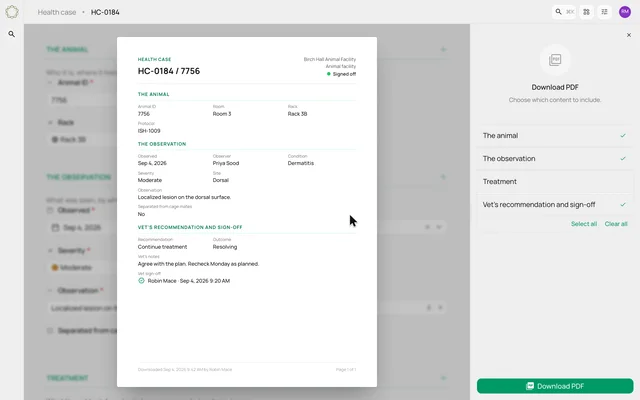 0:12
0:12Choose the sections in a case PDF
Select which health-case sections to include and preview an illustrative PDF export.
Watch the clip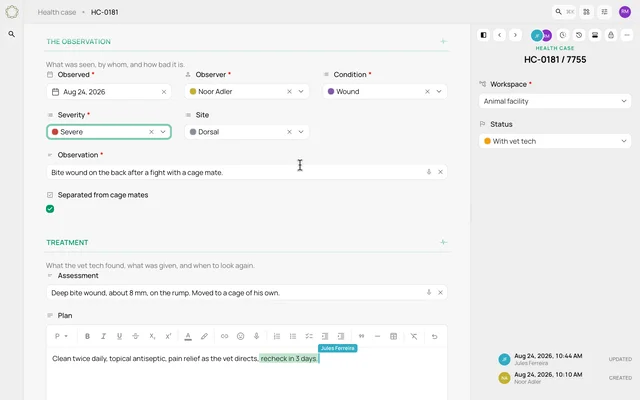 0:09
0:09See colleagues working on the same case
Preview presence indicators, a colleague's arriving text and a field change on one shared health case.
Watch the clip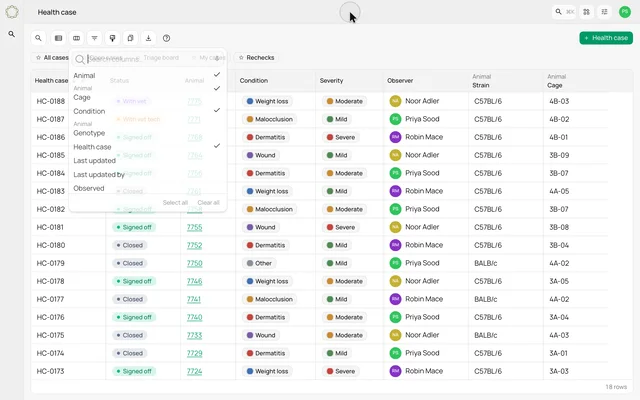 0:12
0:12Bring linked animal details into a case list
Add the animal's strain and cage as columns beside the health case's own fields.
Watch the clip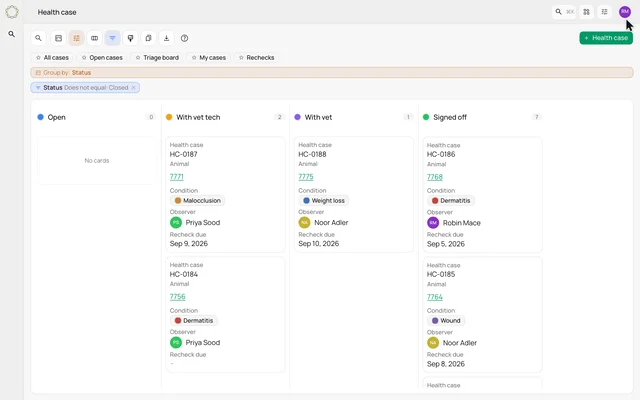 0:12
0:12Group the same cases by severity or status
Change a triage board from severity lanes to status lanes without changing the underlying cases.
Watch the clip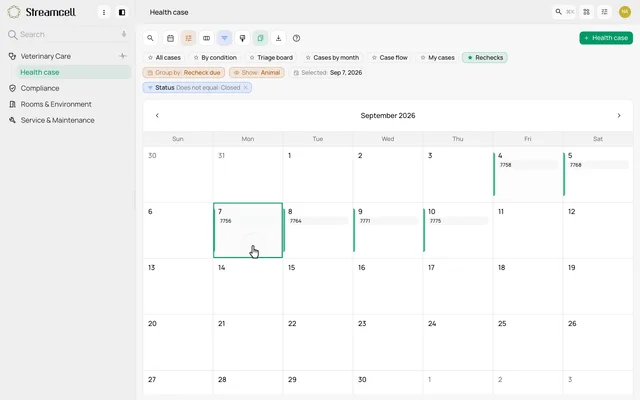 0:08
0:08See rechecks on a calendar
Open a calendar of health cases by recheck date and find the animal due on a selected day.
Watch the clip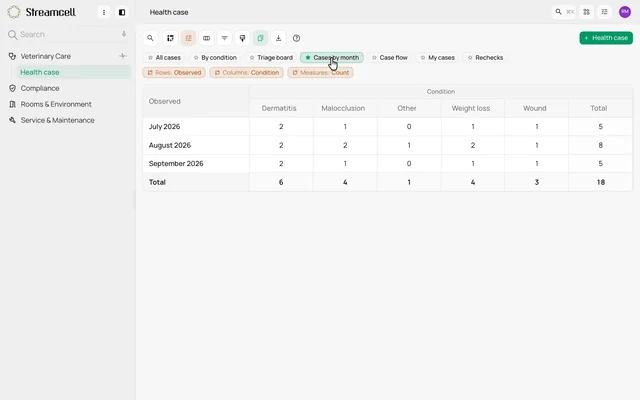 0:10
0:10Compare cases by month and condition
Switch from the case list to a pivot with conditions across columns, months down rows and totals in both directions.
Watch the clip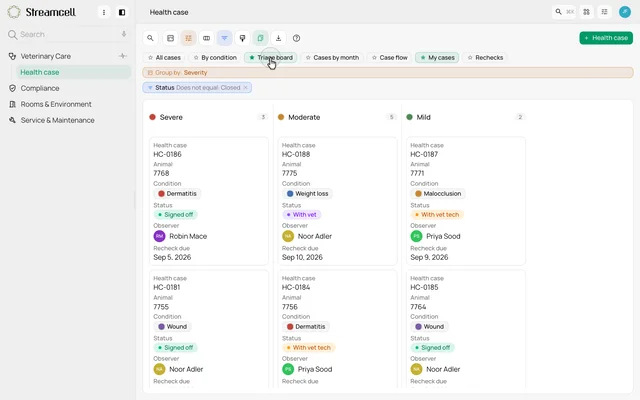 0:11
0:11Give each role a useful starting view
Move between My cases, a triage board and a recheck calendar for three different parts of the care workflow.
Watch the clip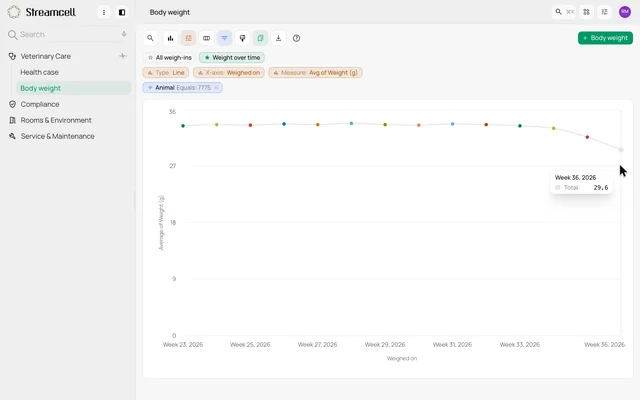 0:11
0:11Follow an animal's weight over time
View weekly weigh-ins as a line chart and inspect the later readings for one animal.
Watch the clip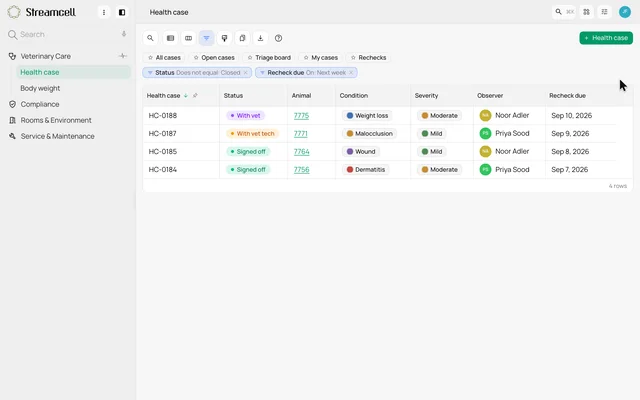 0:13
0:13Filter for next week's rechecks
Apply a relative-date filter to the case list and see only the records due a recheck next week.
Watch the clip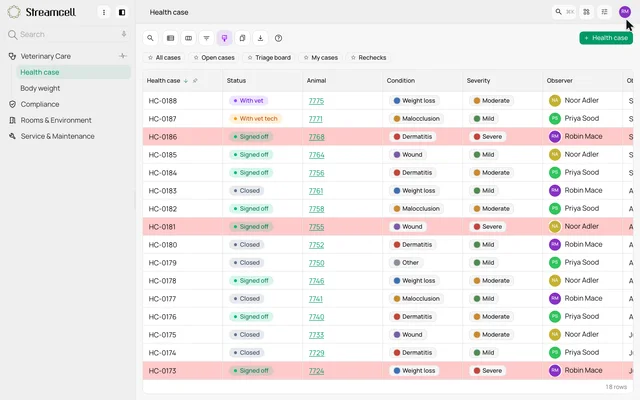 0:14
0:14Make severe cases stand out in the list
Create a formatting rule that shades an entire row when the case's severity is Severe.
Watch the clip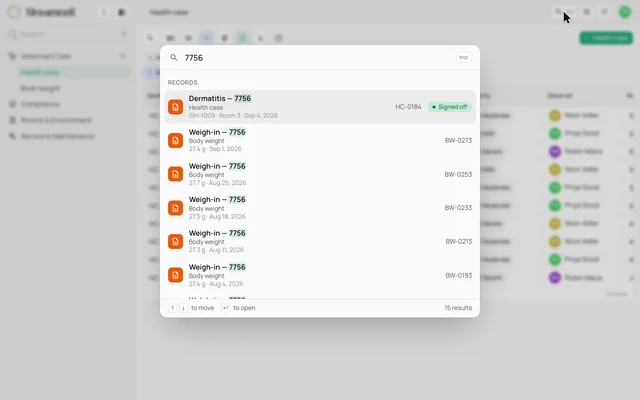 0:09
0:09Find an animal's cases and weigh-ins
Search for an animal identifier and review matching health cases and weight records in one search panel.
Watch the clip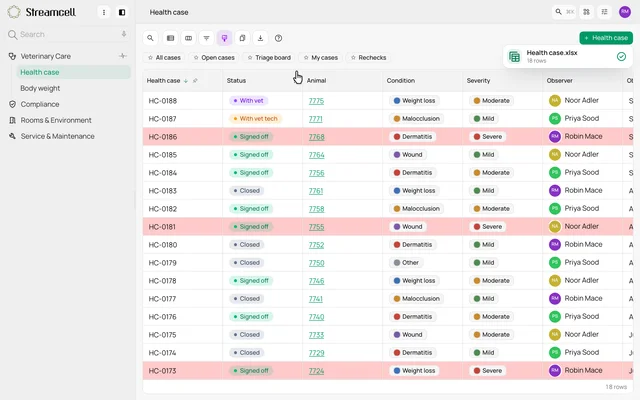 0:08
0:08Export a case view to Excel
Export a health-case list and see an illustrative workbook download with the view's rows and formatting.
Watch the clip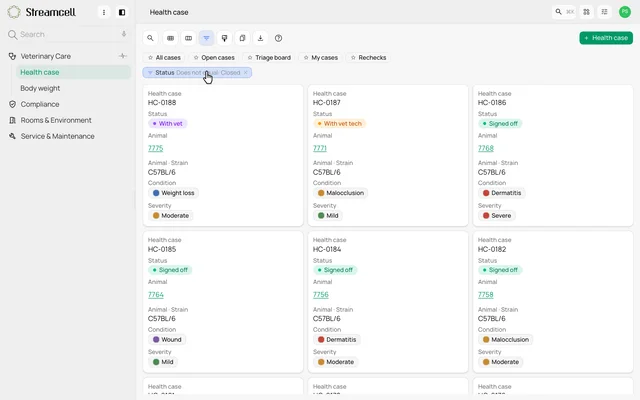 0:13
0:13Browse cases as cards
Preview the same open cases changing from a grid into a card gallery, with key case and animal details grouped on each card.
Watch the clip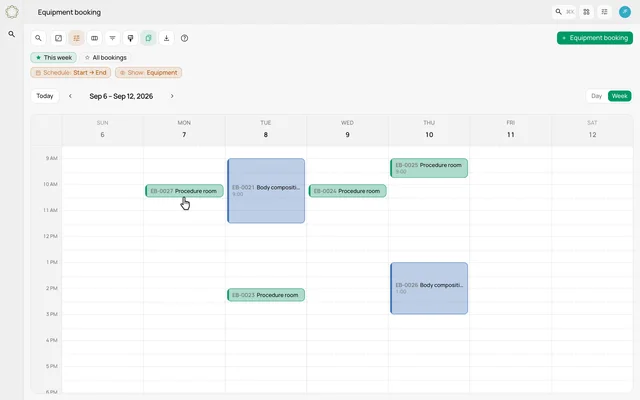 0:09
0:09Reserve time on a week schedule
Preview a new procedure-room booking made by dragging an open slot on the facility’s weekly schedule.
Watch the clip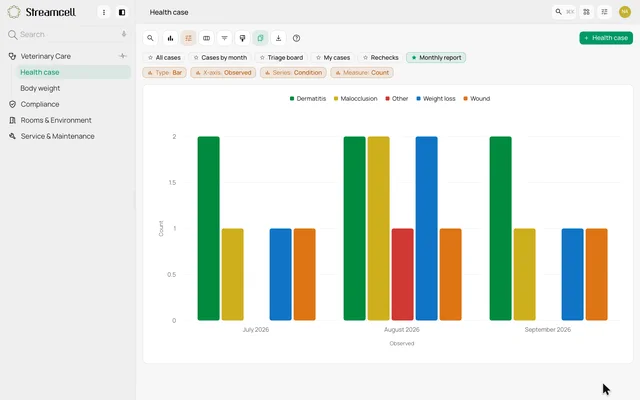 0:13
0:13Save a chart as a report view
Preview monthly case counts as a chart, then save that layout as a named report view.
Watch the clip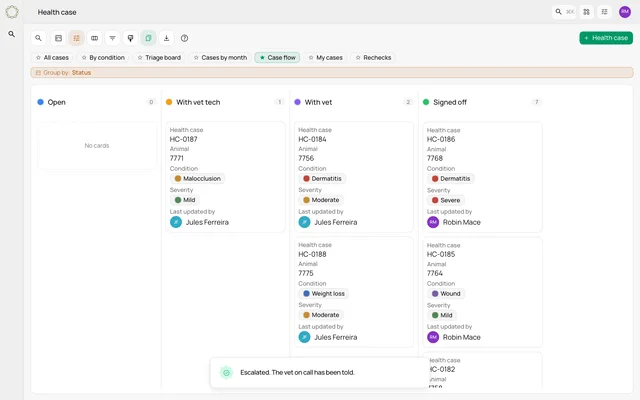 0:09
0:09Watch a case move through the handoffs
Follow one case across Open, With vet tech, With vet and Signed off as configured workflows run.
Watch the clip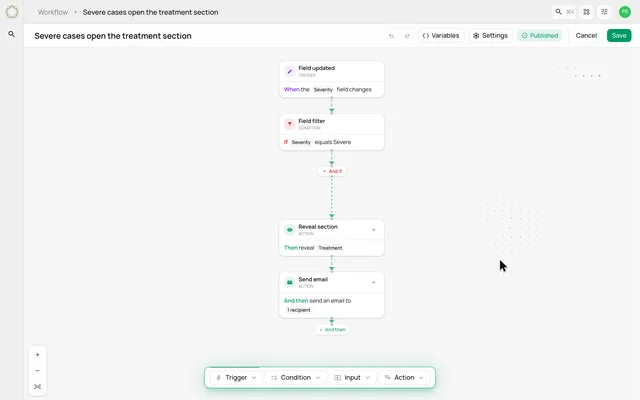 0:12
0:12Build a workflow from trigger to action
Assemble a rule that checks severity, reveals a treatment section and sends an email.
Watch the clip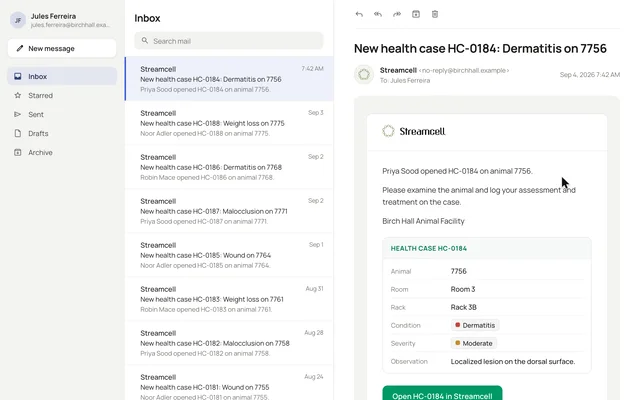 0:13
0:13Write the email your workflow sends
Read an email template in the workflow builder, then see its record fields filled into the message that reaches the vet tech.
Watch the clip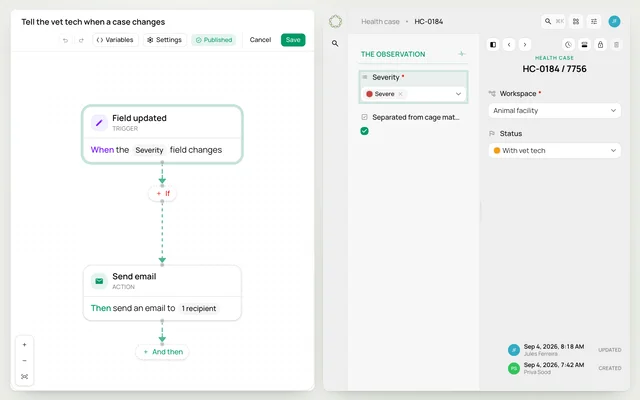 0:12
0:12Choose what starts a workflow
See examples of workflows responding to record creation, updates, field changes, status moves, transfers and notes.
Watch the clip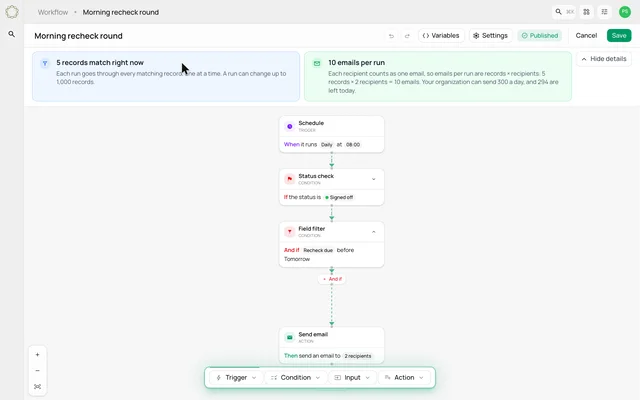 0:13
0:13Schedule a workflow and review its impact
Review a morning recheck rule, its schedule, matching records and expected email count.
Watch the clip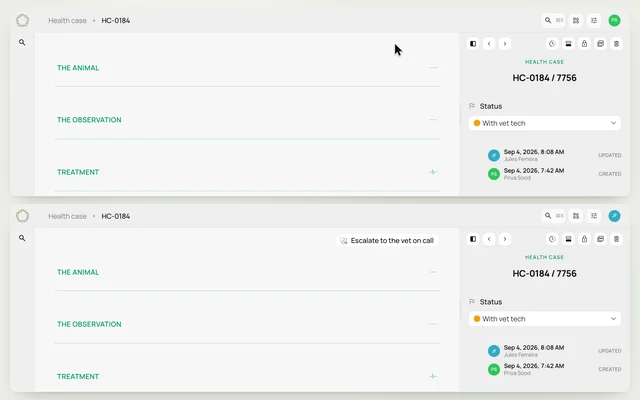 0:09
0:09Show workflow actions to the right role
Compare a technician's case with a vet tech's case and see how role and status conditions control the escalation button.
Watch the clip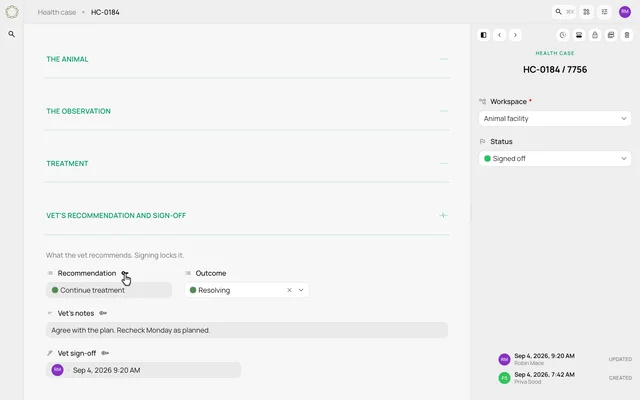 0:10
0:10Reveal and lock sections through a workflow
See escalation open the vet's section, then sign-off lock the completed recommendation fields.
Watch the clip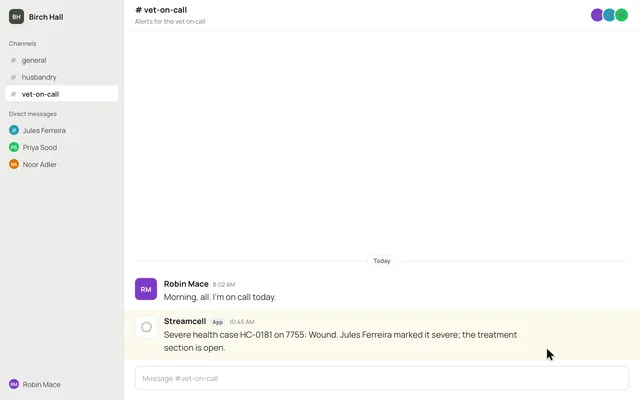 0:10
0:10Send a case alert to a team chat
Follow a workflow's Slack action into an illustrated channel message with the case's details.
Watch the clip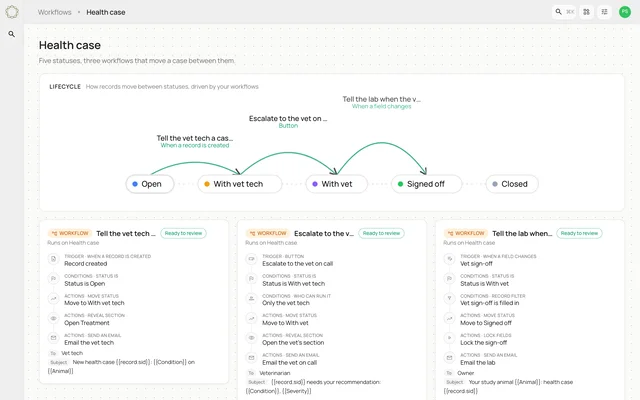 0:08
0:08Map the path between case statuses
Preview a lifecycle map connecting case statuses with the workflows that move records between them.
Watch the clip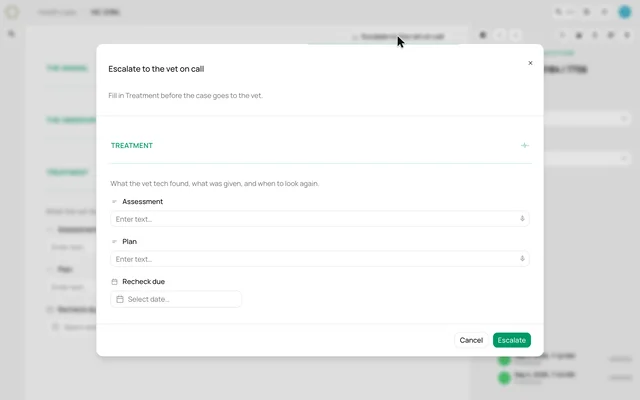 0:13
0:13Ask for the missing information before a handoff
See an escalation workflow request the treatment section before it moves the case to the vet.
Watch the clip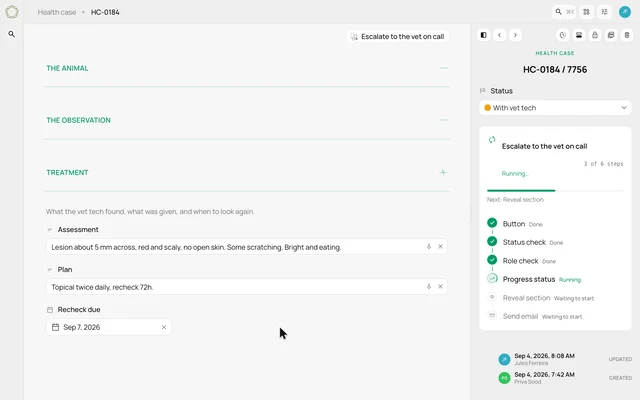 0:09
0:09Follow each step of a workflow run
Preview a live timeline as status checks, role checks and actions complete on a case.
Watch the clip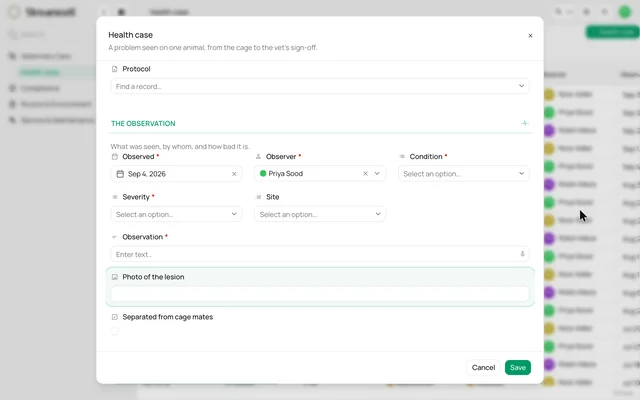 0:14
0:14Add a photo field to your health-case form
Place an image field in the form designer, name it and see it on the next new case.
Watch the clip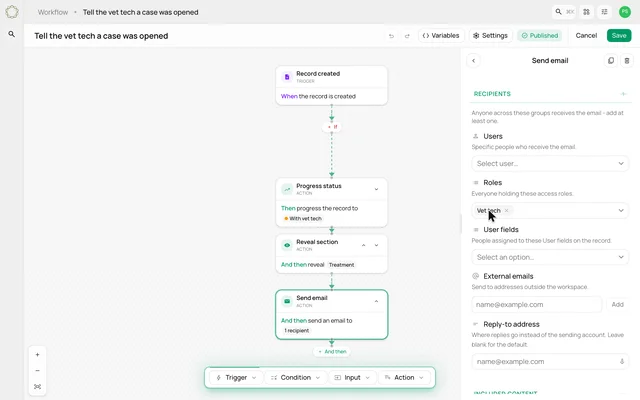 0:13
0:13Open the rule behind a handoff
Inspect the workflow that tells the vet tech a case was opened, including its message and recipient role.
Watch the clip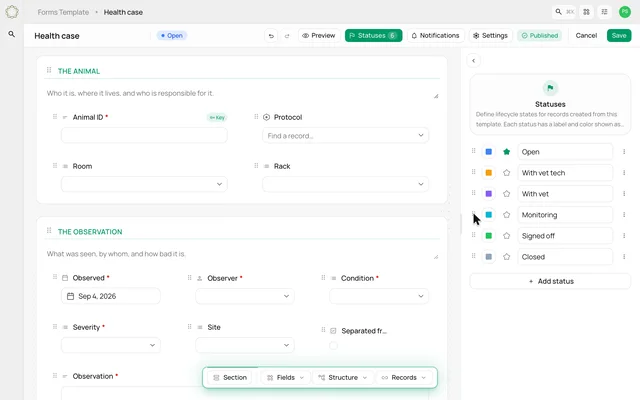 0:13
0:13Make the case statuses fit your process
Add a Monitoring status, choose its color and move it into the sequence before saving the template.
Watch the clip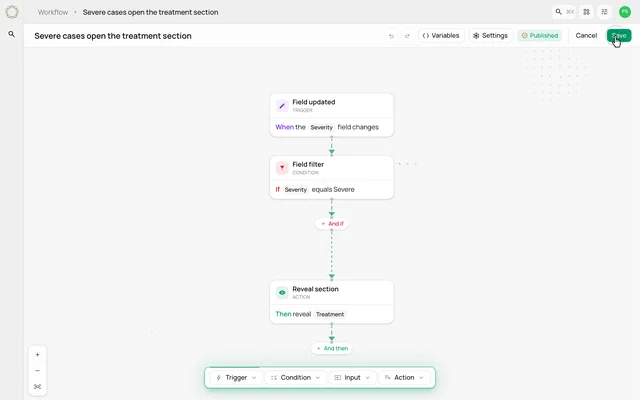 0:14
0:14Reveal a hidden section when a rule matches
Hide Treatment by default, then build a workflow that reveals it when the case becomes severe.
Watch the clip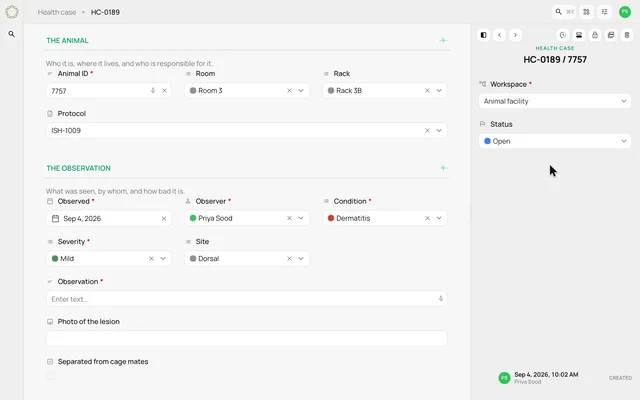 0:11
0:11Give records a recognizable code and key
Change a form's record code and select an animal identifier as its key, then see both on a new record.
Watch the clip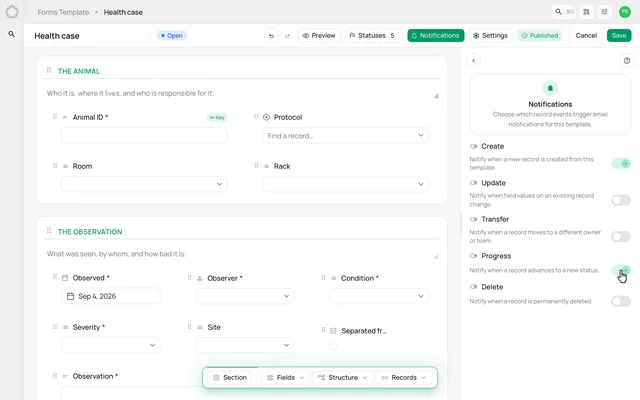 0:10
0:10Choose the events that send notifications
Turn on template notifications for record creation and progression, then save the settings.
Watch the clip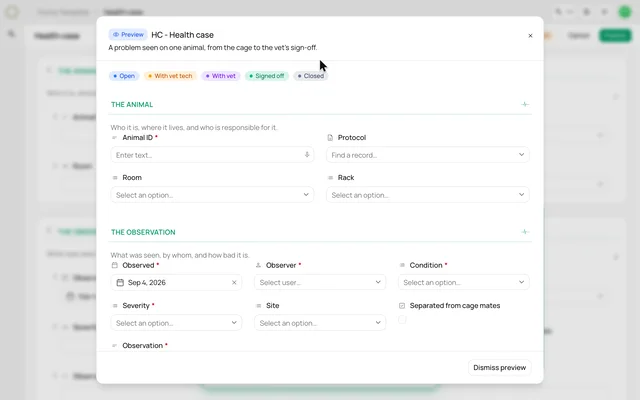 0:12
0:12Preview a form before publishing it
Undo a removed field, preview the draft as a user would see it, and publish the form.
Watch the clip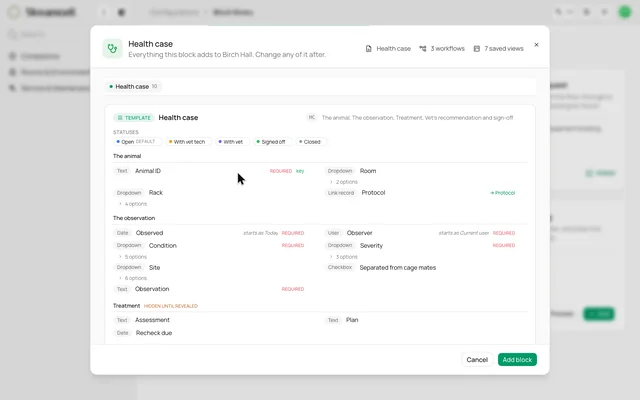 0:13
0:13Explore the block-library concept
Preview a proposed library of starting packages that bring forms and their related setup together.
Watch the clip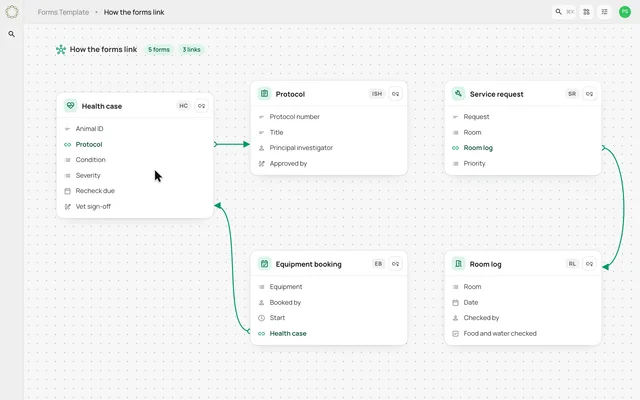 0:08
0:08See how the forms connect
Preview a visual map of forms and linked fields, including a new connection between two forms.
Watch the clip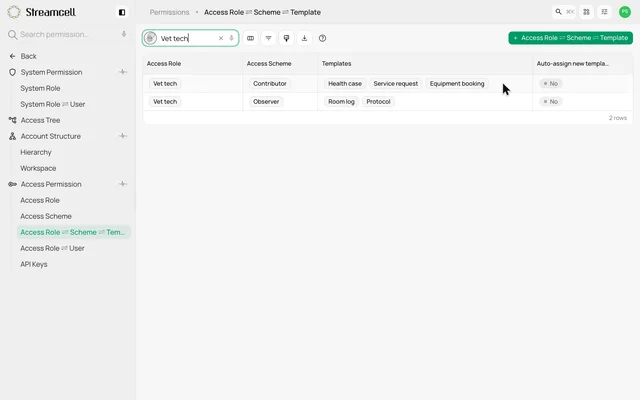 0:14
0:14Review what each role can do
Explore the roles, access schemes and forms that define a vet tech's editing and viewing access.
Watch the clip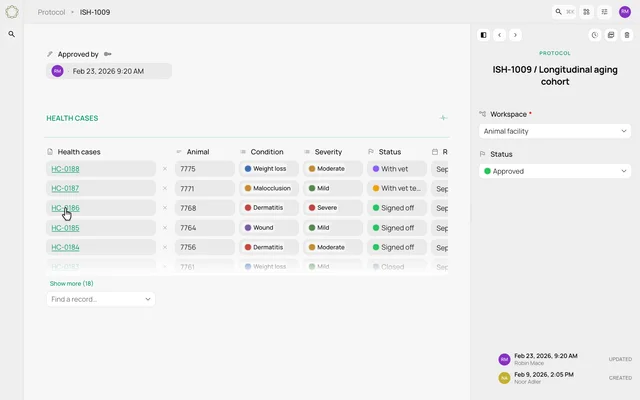 0:12
0:12Follow a protocol into its health cases
Open the protocol linked to a health case and move through the other cases under that protocol.
Watch the clip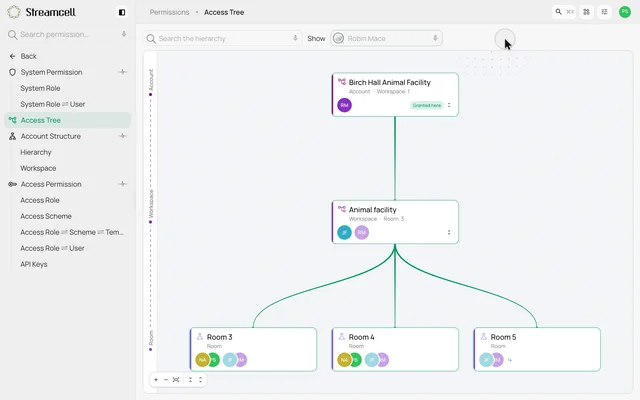 0:13
0:13Trace access through the facility
Preview an access tree showing direct and inherited grants for selected people across a workspace and its rooms.
Watch the clip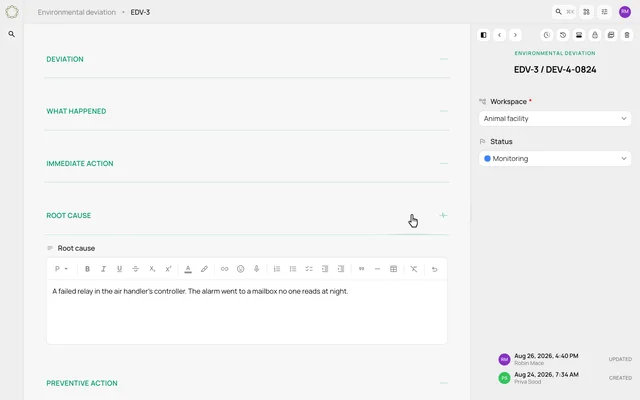 0:13
0:13Document a deviation and its follow-through
Read an environmental deviation from what happened through immediate action, root cause and prevention.
Watch the clip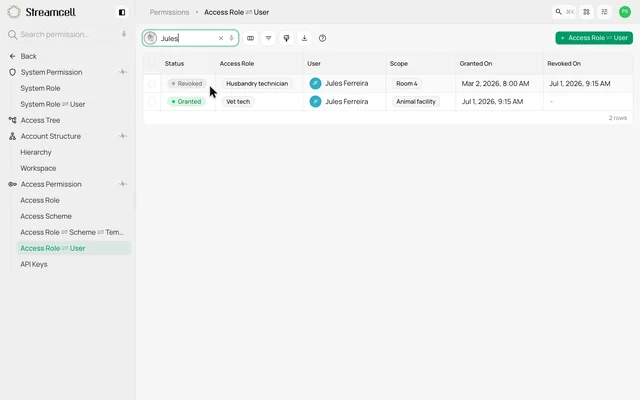 0:12
0:12Keep revoked access visible in the history
Find a person's earlier revoked role alongside the grant that replaced it, with dates shown on both.
Watch the clip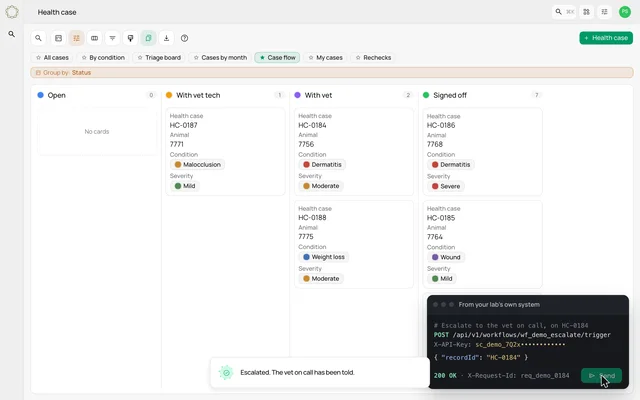 0:14
0:14Preview an API-triggered handoff
See a scoped API key configured and an illustrative external request move a case into the vet's queue.
Watch the clip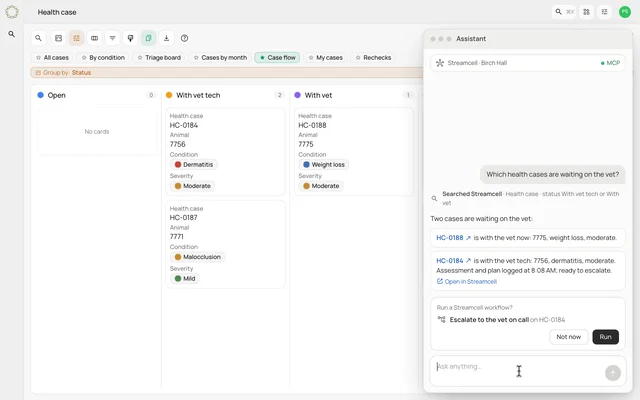 0:14
0:14Explore connecting your own AI assistant
Preview an external assistant finding cases and requesting a workflow action through a scoped connection.
Watch the clip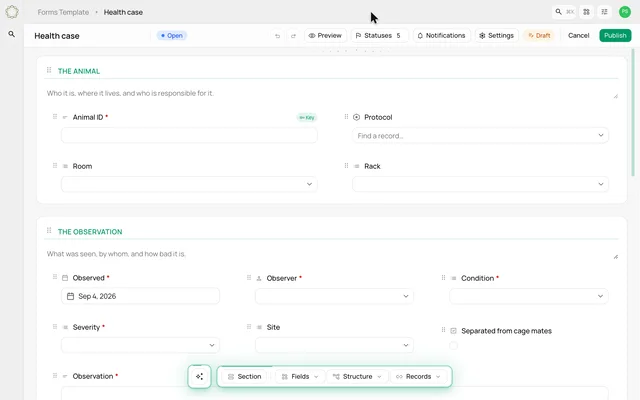 0:13
0:13Draft a form from a description
Describe a mouse health-case form and watch a draft take shape with sections, fields and statuses.
Watch the clip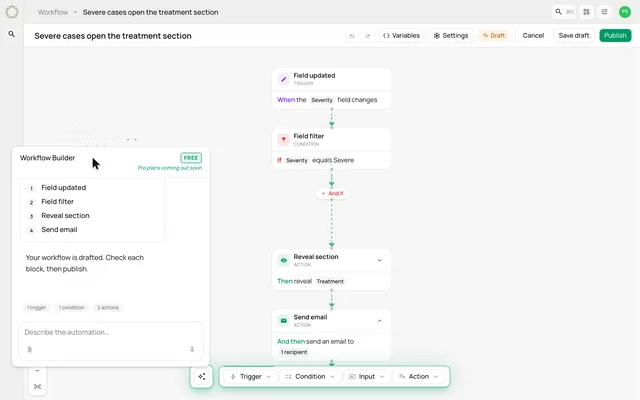 0:13
0:13Draft a workflow from a sentence
Describe what should happen when a case becomes severe and watch the workflow blocks appear.
Watch the clip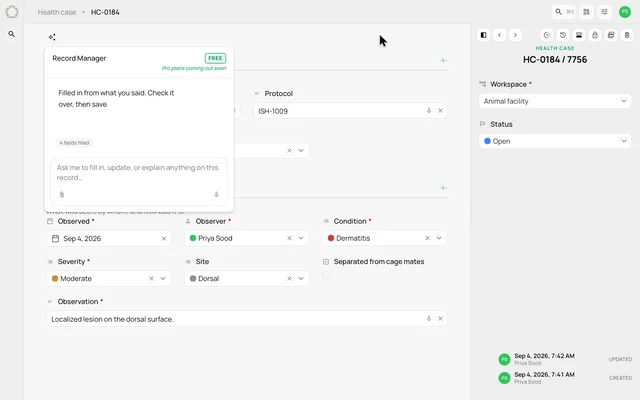 0:13
0:13Turn an observation into record fields
Give the Record Manager an observation and see condition, severity, site and observation fields filled in.
Watch the clip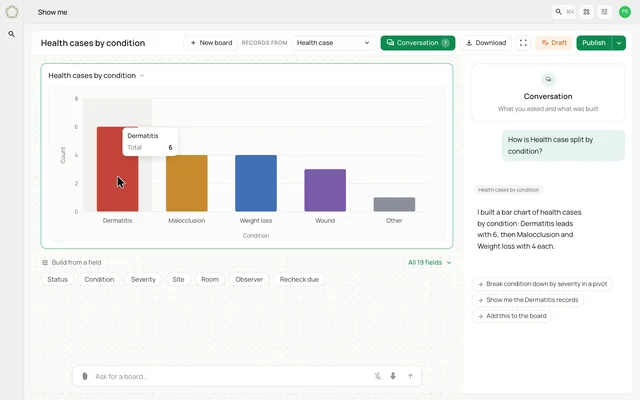 0:11
0:11Ask for a chart of your cases
Ask how health cases are split by condition and see a chart built from the demo records.
Watch the clip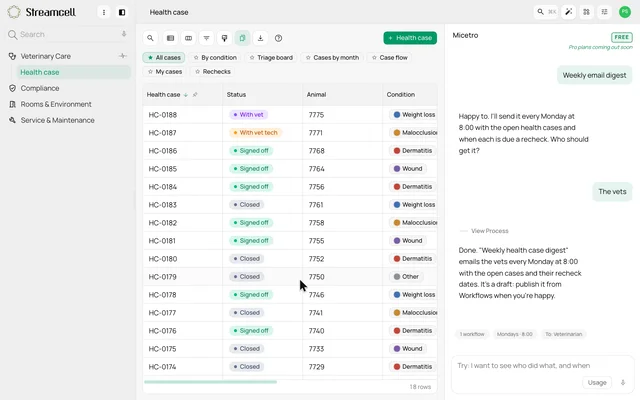 0:13
0:13Set up a weekly digest with Micetro
Choose a weekly email-digest mission, answer who should receive it and review the resulting workflow draft.
Watch the clip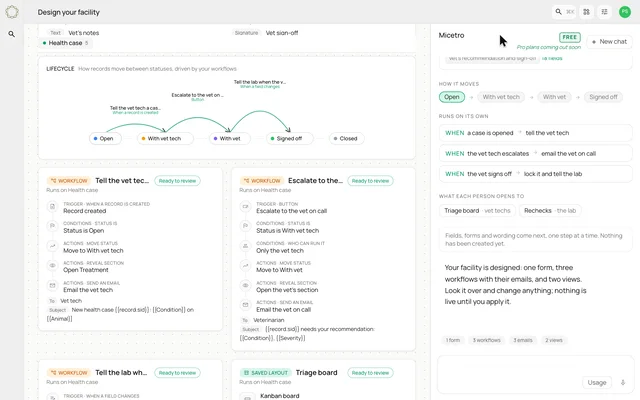 0:14
0:14Explore an AI-designed facility setup
Preview a proposed facility designer that turns a description into a blueprint of forms, workflows and views.
Watch the clip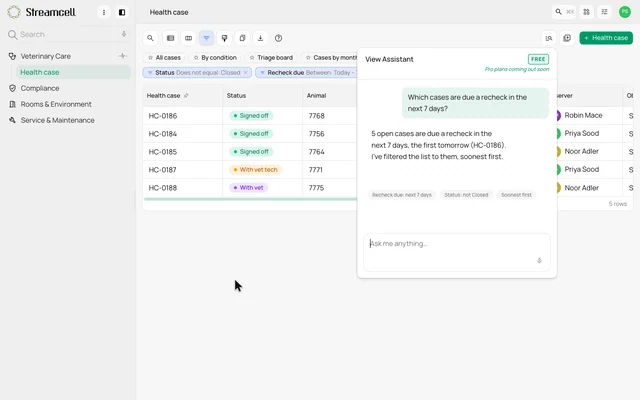 0:13
0:13Ask the View Assistant about rechecks
Ask which cases need a recheck in the next seven days and see the response alongside a filtered list.
Watch the clip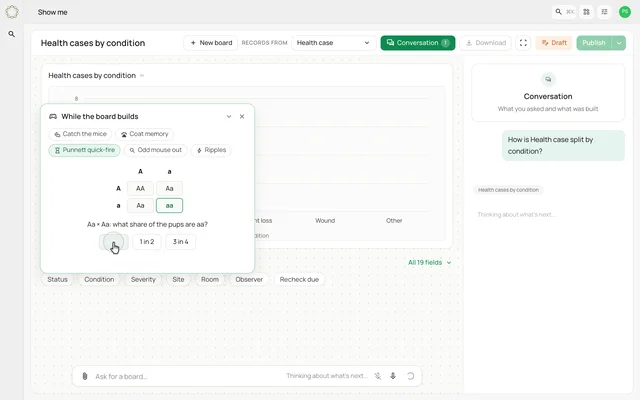 0:14
0:14Explore the small games during an AI task
See a prepared AI-build sequence with short memory and genetics games while the result is being created.
Watch the clip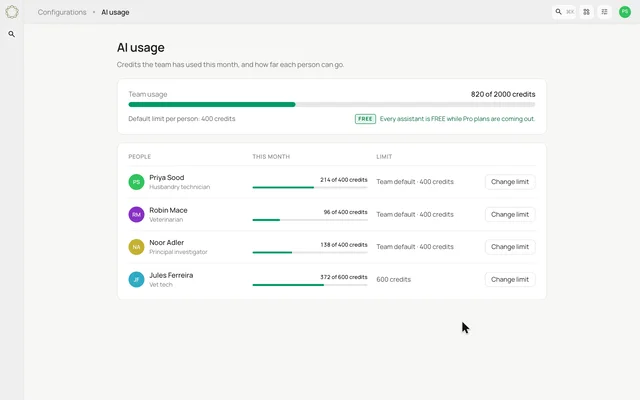 0:09
0:09Review an AI-usage meter and limits
Preview team and individual credit meters and a change to one person's usage limit.
Watch the clip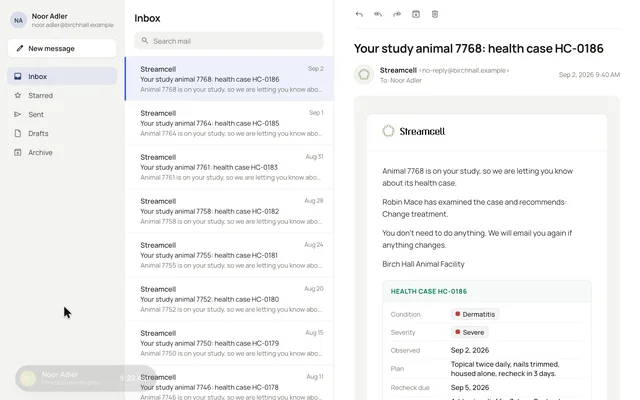 0:12
0:12Follow a health case through the team
Watch the health-case story move from the morning observation through assessment, escalation and the vet's recommendation.
Watch the clip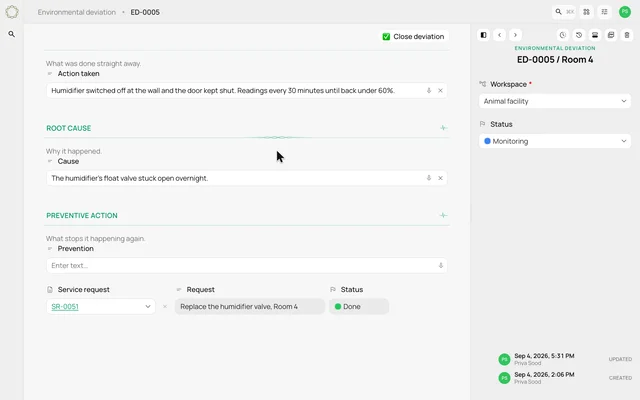 0:12
0:12Follow an out-of-range room reading
See a room reading lead into a deviation record, a response and preventive follow-up.
Watch the clip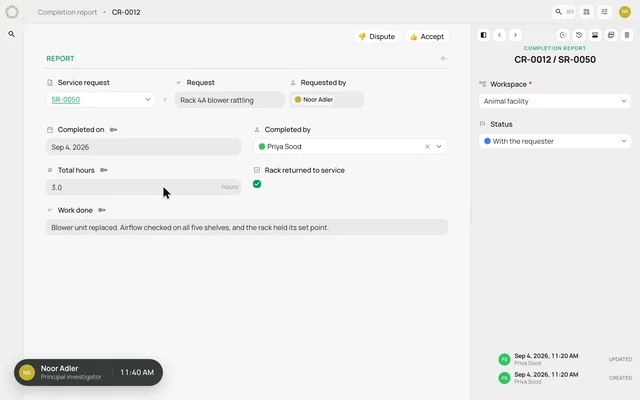 0:11
0:11Close the loop on a service request
Follow a request through its tasks, a completion report and the requester's acceptance.
Watch the clip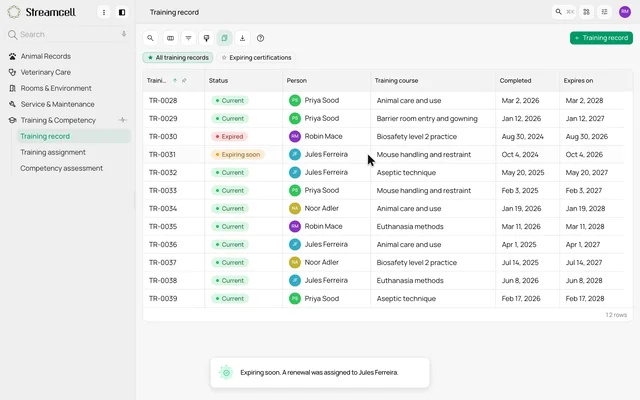 0:13
0:13Track training expiry and reassessment
See an expiring qualification flagged for renewal, followed by a competency assessment record.
Watch the clip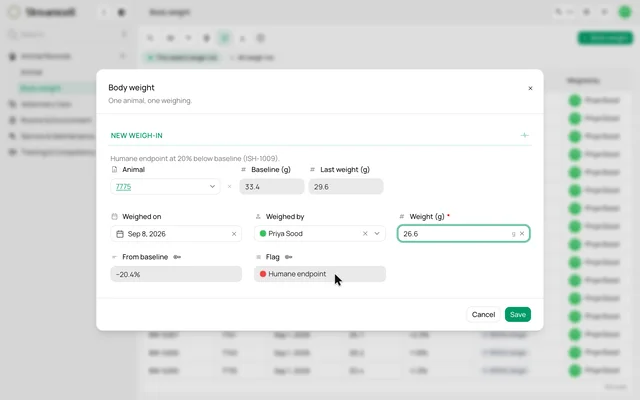 0:13
0:13Connect weight readings to a configured flag
See a new weight entered against an animal's baseline and an illustrative protocol-defined threshold flagged.
Watch the clip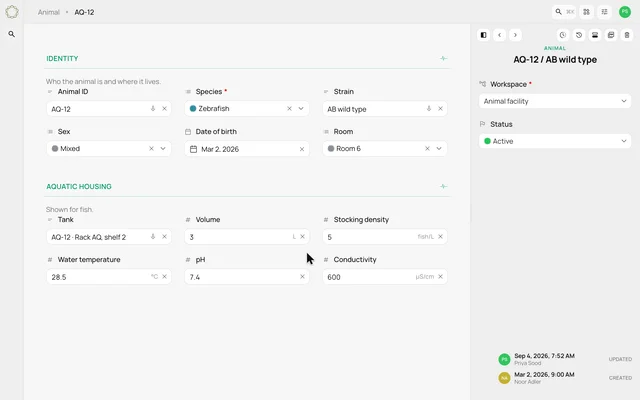 0:13
0:13Use one animal form across species
Move between zebrafish, rabbit and mouse records, each with its relevant housing and care section.
Watch the clip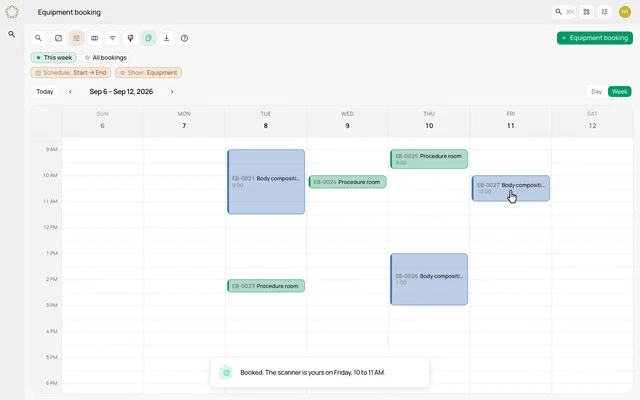 0:13
0:13Book an instrument from the week view
Preview a scanner booking with a selected time, instrument and purpose on the facility's schedule.
Watch the clip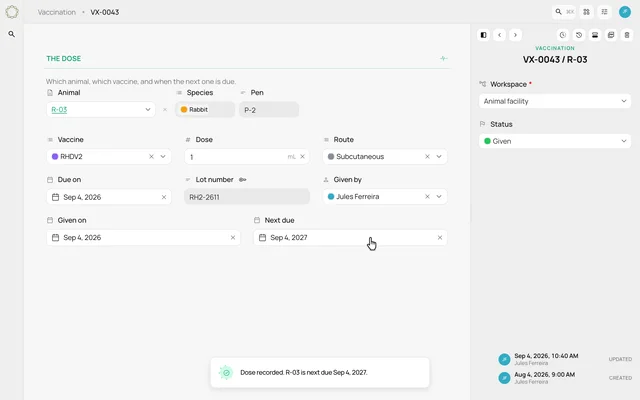 0:12
0:12Preview a vaccination log and next due date
Follow an illustrative vaccination entry from a due list through lot recording and the next scheduled date.
Watch the clip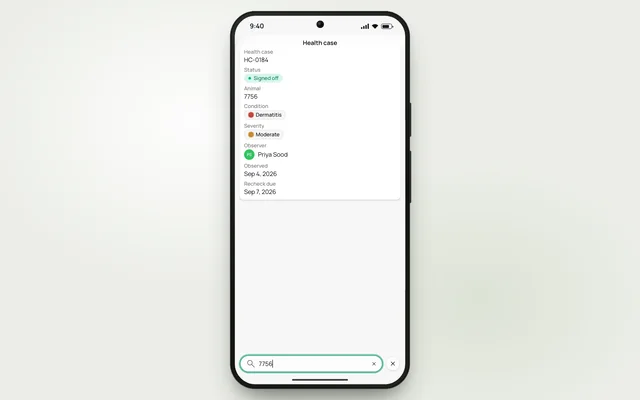 0:08
0:08Explore list controls on a phone
Preview a phone-sized case list with a bottom toolbar, search and matching case cards.
Watch the clip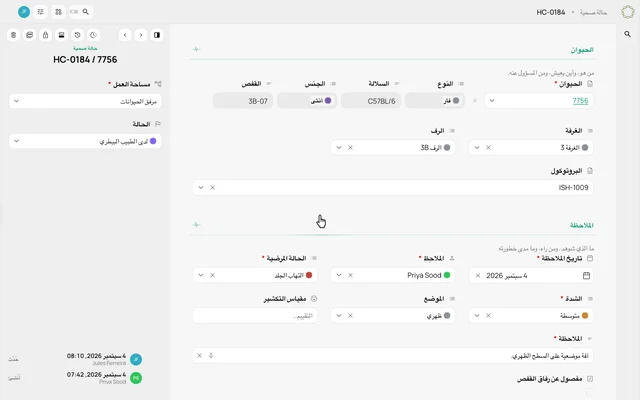 0:14
0:14Preview French and right-to-left layouts
See one prepared health case switch from English to French, then Arabic with a mirrored layout.
Watch the clip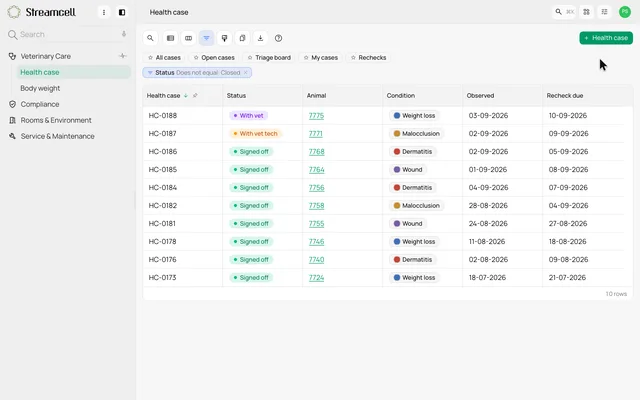 0:11
0:11Choose how dates are displayed
Change the display of dates in a case list between day-first and written-month formats.
Watch the clip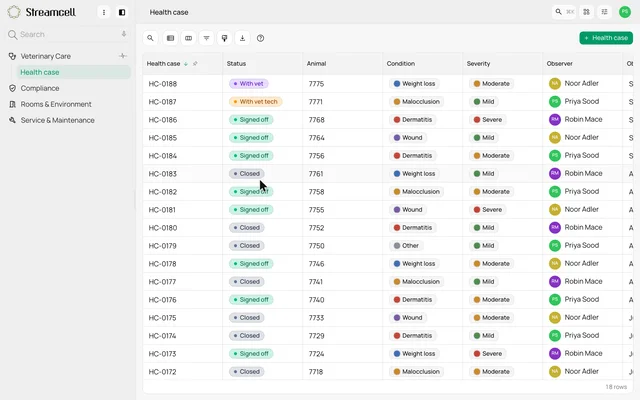 0:12
0:12Preview higher-contrast status badges
See status pills gain a stronger fill and outline when a high-contrast display option is enabled.
Watch the clip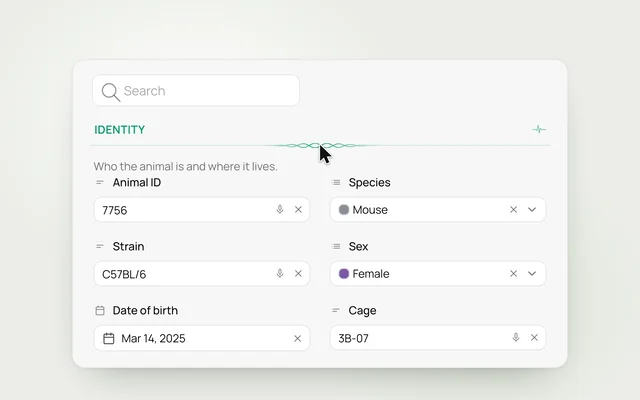 0:10
0:10Notice the science in the small details
Explore a DNA-inspired divider, a heartbeat section control and the movement inside the search icon.
Watch the clip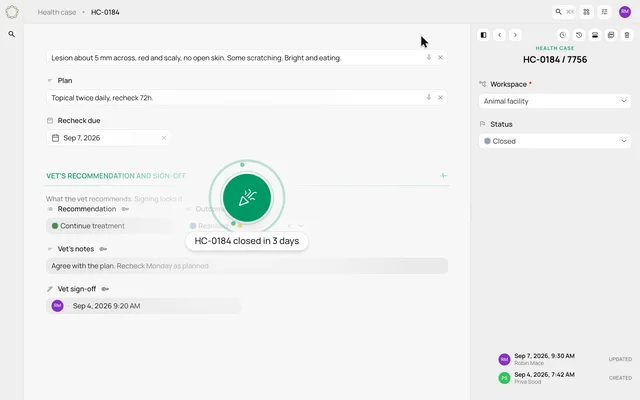 0:09
0:09Preview a moment of case completion
See an illustrative health case marked resolved and closed, followed by a brief celebration.
Watch the clip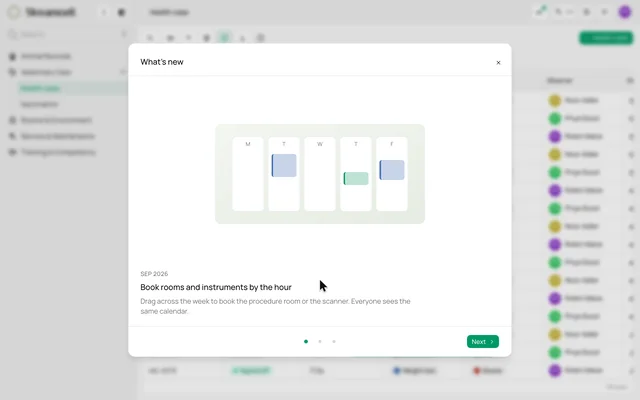 0:14
0:14Explore a What's New panel
Preview a release-notes panel with illustrated updates and simple next and back navigation.
Watch the clip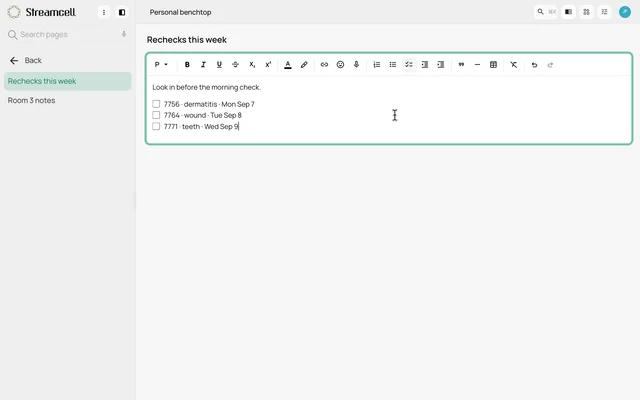 0:10
0:10Keep working notes on a personal benchtop
Open a personal notes page beside a case, add a recheck to its checklist and return to the record.
Watch the clipBuilt around your facility
Your process deserves a closer look.
Bring a form your team uses. We can walk through how the fields, handoffs and views would fit your facility.
Book a demo